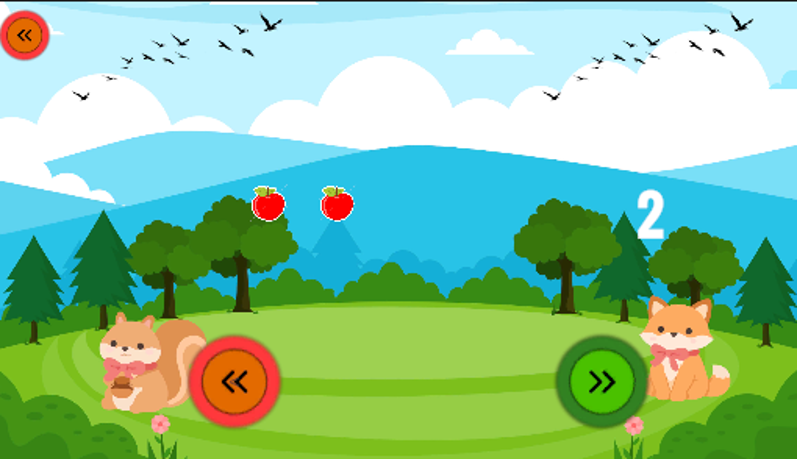
Learning Numbers
Introduces numbers through visual elements, objects, audio, and number pronunciation activities.
Case study
An interactive Android educational game that helps children aged 4–6 practice early numeracy through play.
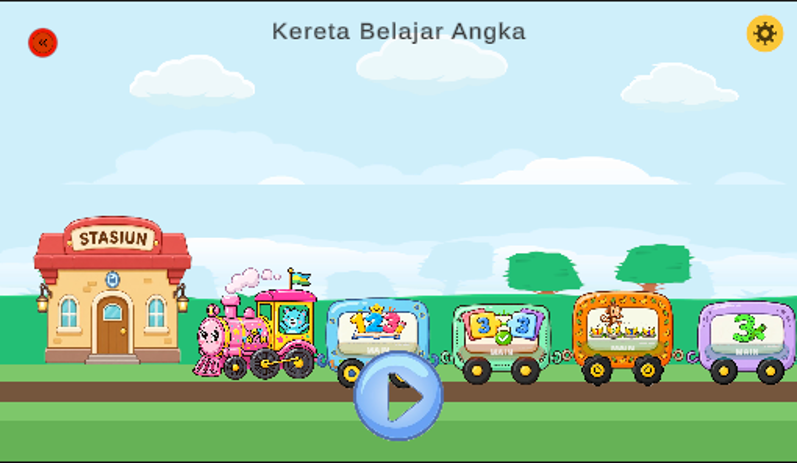
Learning Numbers is an interactive Android educational game designed for children aged 4–6 to support early numeracy learning through a multisensory Visual, Auditory, and Kinesthetic (VAK) approach.
The game brings number recognition and counting into a playful, touch-driven environment through four main learning activities: Learning Numbers, Tracing Numbers, Matching Numbers, and the Monkey Walk Quiz. The last of these lets a child answer out loud, using speech recognition to check the spoken number.
This was a solo project. I handled the game end to end, from design through programming, integration, testing, and Android deployment.
The game is built around four learning activities.
Introduces numbers through visual elements, objects, audio, and number pronunciation activities.
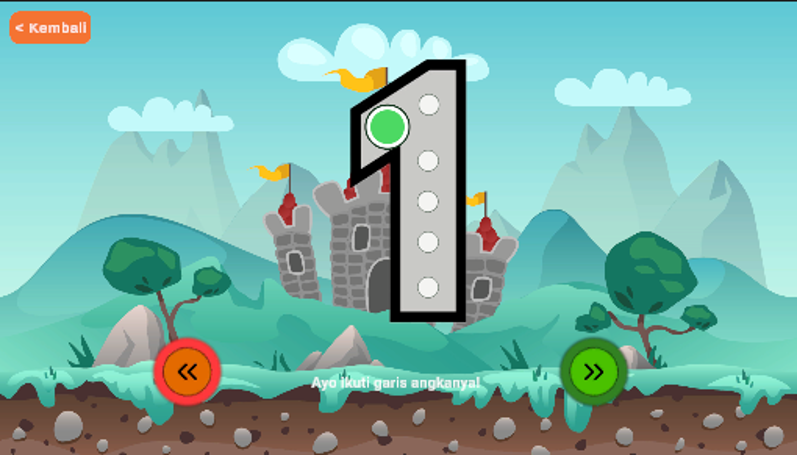
Children trace number shapes using touch interaction. The system checks the tracing path through predefined checkpoints.
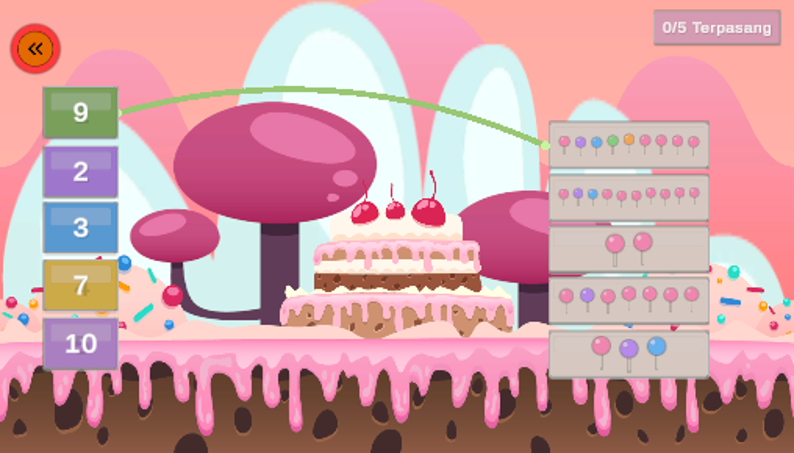
Children match number symbols with the corresponding quantity of objects using drag-and-drop and touch interaction.
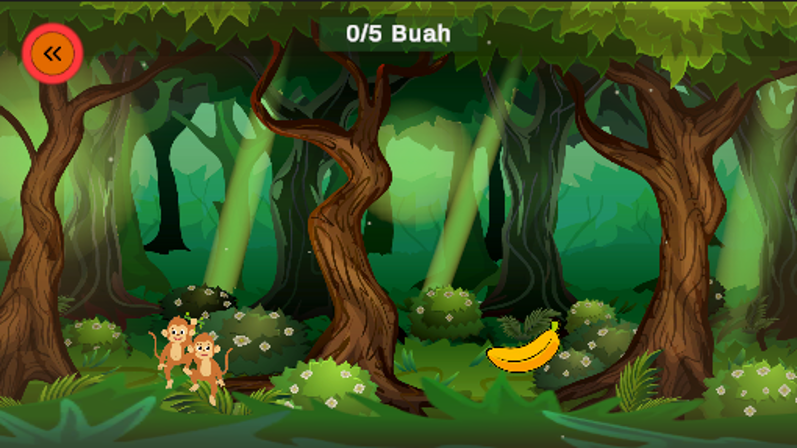
An interactive number quiz where children answer using speech input. The game uses Android SpeechRecognizer to process the spoken number and validate the answer.
One of the main technical challenges was bringing speech recognition into a Unity Android game. The implementation uses Android SpeechRecognizer through a Unity speech-to-text integration: a spoken response is turned into text, mapped to a number value, and then validated by the game before feedback is shown.
Defined the learning goal, the target age group, and the scope of the four activities.
Produced the GDD, UI flows, and the mechanics for each activity.
Built the gameplay, UI, and systems in Unity with C#, with audio and art assets integrated.
Integrated Android SpeechRecognizer for the quiz and prepared the Android build.
Ran functional testing and a user evaluation session with children and teacher assistance.
The game was tested with 20 children aged 4–6 with teacher assistance to evaluate usability and overall interaction.
Functional testing and a user evaluation were both carried out during the project.
The project was completed as an Android educational game and went through functional testing, user evaluation, and deployment as an Android build.